
Alternative
Buy Me a Coffee alternative for Discord
Best Buy Me a Coffee alternative for Discord: DonateBot turns support into roles and perks delivered automatically.
Last updated: 23 August 2026
About Buy Me a Coffee
Buy Me a Coffee is great for tip jars and light memberships. Discord servers need role automation and a shop that lives where members already are.
Server owners usually evaluate Buy Me a Coffee when their priority is: Simple “support me” pages and memberships. That can be the right call — especially if you need a workflow DonateBot does not try to replace. DonateBot instead focuses on members who already chat in Discord and want to unlock a role without leaving the server.
Best for: Simple “support me” pages and memberships
DonateBot vs Buy Me a Coffee
Use the table as a quick filter. For pricing math on DonateBot (3% early fee, €0.50 minimum product, €2 minimum payout), see the homepage pricing section.
| Feature | Buy Me a Coffee | DonateBot |
|---|---|---|
| Discord integration | Limited | Native bot |
| Role rewards | Manual / Zapier | Automatic |
| Shop in Discord | No | Yes |
| Fee model | 5% (Gold: 0%, $5/mo) | 3% early access + card fees |
| Payout cycle | Standard payout schedule | Withdraw anytime from €2 balance |
| Setup complexity | Low — support page + Gold upsell | Low — /setup, add products, share /shop |
| Audience | Fans of a creator | Server members |
| Refunds | Buy Me a Coffee-managed | Sales final — digital role delivered instantly |
Buy Me a Coffee vs DonateBot: pros and cons
Buy Me a Coffee
Where it falls short for Discord role shops
- Platform fee is 5% on tips, memberships, and shop sales unless you pay $5/mo for Gold to remove it
- No native Discord role automation — connecting purchases to roles needs Zapier or manual work
- Built as a single creator support page, not a per-server product catalog with role-specific perks
DonateBot
Why servers switch
- Products map directly to Discord roles
- No external support page required
- Stripe-powered checkout with auto fulfillment
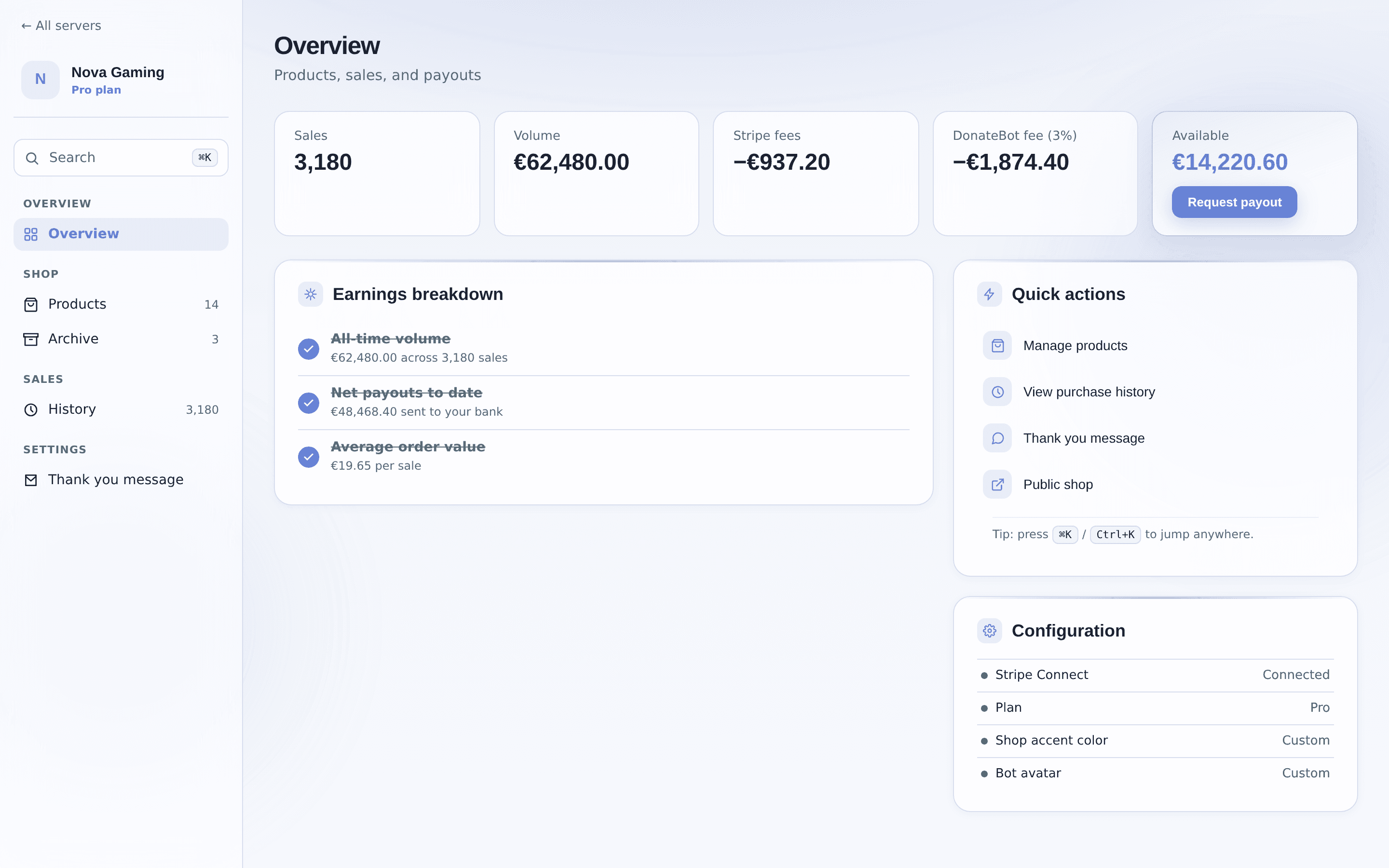
- Sales overview in the DonateBot dashboard
Setup is intentionally short: add the bot, place its role above products you sell, run /setup, create products in the dashboard, and share /shop with members. Sales and fees appear in the owner dashboard.
When Buy Me a Coffee may still be better
Stay on Buy Me a Coffee (or evaluate it first) if your primary need is simple “support me” pages and memberships. DonateBot is not trying to be a full creator marketplace, tip jar, or Discord-owned subscription stack — it is a role shop for communities that already gather on Discord.
Choose DonateBot if your members already live in your Discord server and you want role checkout and delivery without leaving it. Choose Buy Me a Coffee if your priority is simple “support me” pages and memberships — that is what it is built for, and DonateBot does not try to replace it.
FAQ
Is DonateBot a good Buy Me a Coffee alternative?
DonateBot is a strong Buy Me a Coffee alternative if you want to sell Discord roles and perks with automatic role delivery inside your server. Buy Me a Coffee's strength is Simple “support me” pages and memberships. One thing worth weighing before you switch: platform fee is 5% on tips, memberships, and shop sales unless you pay $5/mo for Gold to remove it — for anything outside Buy Me a Coffee's core strength, DonateBot is usually the simpler, cheaper-to-start fit.
Does DonateBot assign Discord roles automatically?
Yes. After a successful payment, DonateBot assigns the purchased Discord role automatically — as long as the bot role sits above the role you sell and has Manage Roles permission.
How much does DonateBot charge compared to typical tools?
DonateBot’s early-access platform fee is 3% per successful sale. Payment processing fees are charged separately by the checkout provider. The bot is free to install.
Ready to monetize your Discord server?
Add DonateBot, create role products, and let members buy from /shop — roles are delivered automatically.